ChoreStar is a parent-managed organiser for everything that needs doing around the house. You set the tasks and what they're worth, review the work when it's marked done, and keep a running record of what was earned and spent. Less chasing, less arguing about whose turn it was.
Free to start • On Android, iPhone & iPad • One small ad • Nothing sold to advertisers
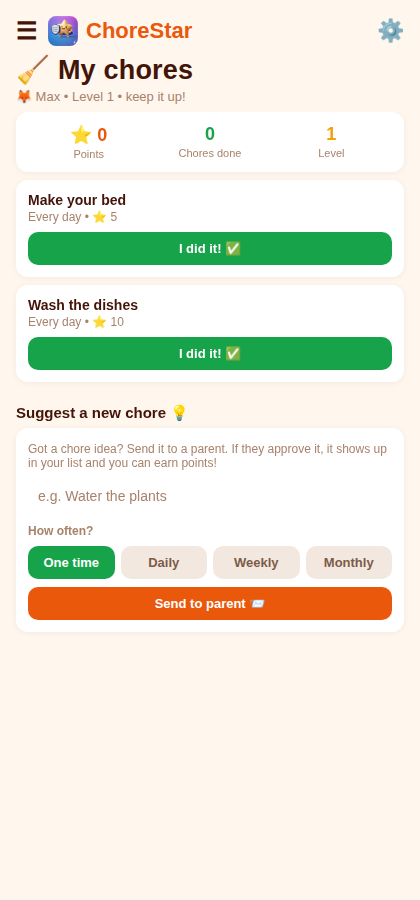
Set the tasks up once, then manage the household from a single dashboard — who owes what, what's been done, and what it was worth.
Daily, weekly, monthly or one-off. Assign to one family member or everyone, with optional reminder days.
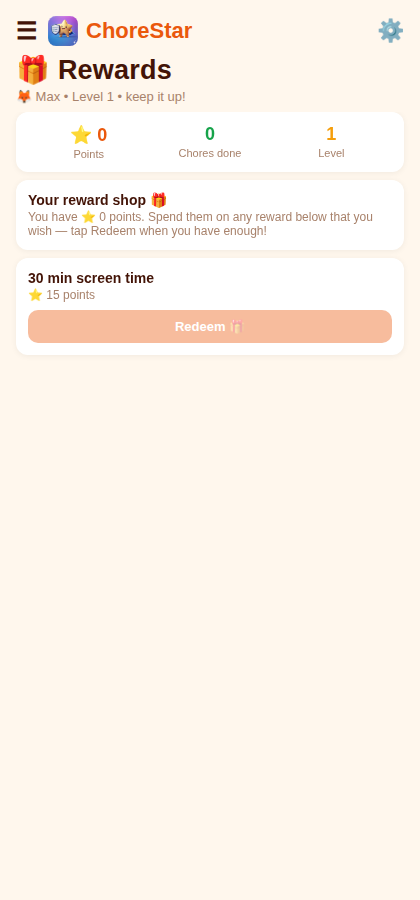
Completed tasks earn points, redeemable in a reward list you define and price. Choose your own points icon.
Nothing counts until you say so. Approve or decline completed work in a tap; balances update instantly.
Family members join by scanning a QR code you generate — no additional email addresses or passwords to manage.
Household members can propose tasks; you decide whether to accept and what they're worth. Nothing is added without you.
A bank-statement style record of every point earned and spent, filterable by person and date, exportable as a spreadsheet.
Invite your partner to share management. Up to two co-parents can approve work, manage rewards, and stay in sync.
Requests come to you for approval instead of being spent automatically — you stay in the loop on every redemption.
One small banner on the dashboard. No pop-ups, no full-screen takeovers, nothing between screens. Premium removes them entirely.
Three steps to set up, then it runs itself.
Create your family, add everyone in it, then define the tasks, what each is worth, and the rewards points can go towards.
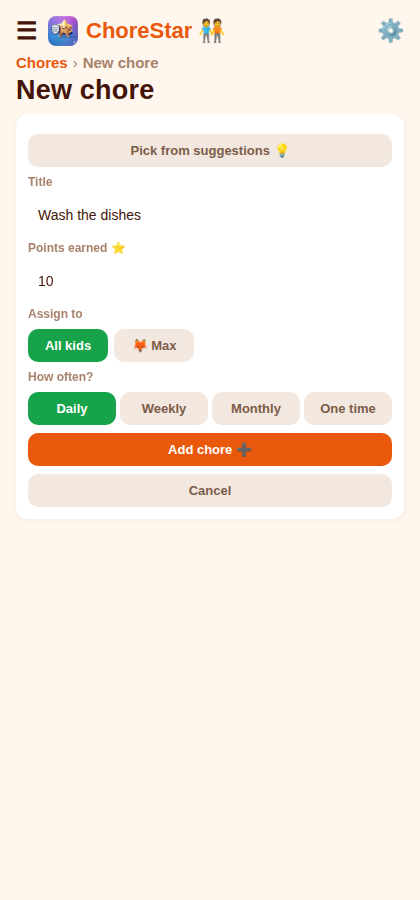
Family members sign in with the QR code you generate, see what's assigned to them, and mark it finished.
Completed work lands in one review queue. Approve it and the points post to that person's balance, ready to spend against your reward list.
One app, two views — a full management dashboard for you, a simple task list for everyone else.
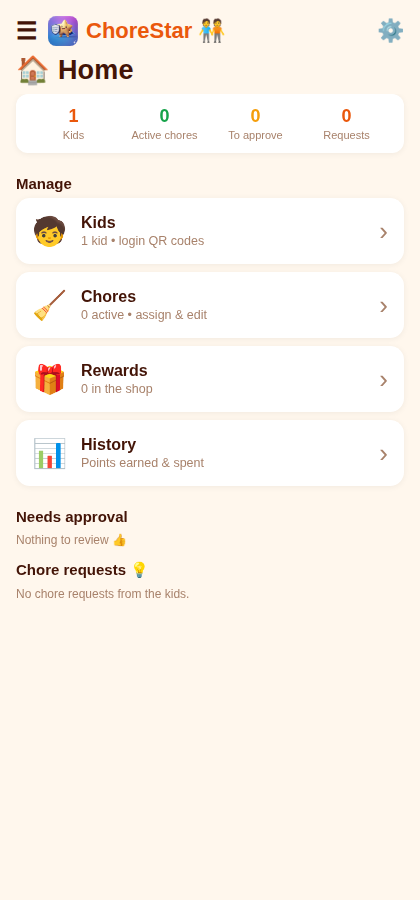 Parent dashboard
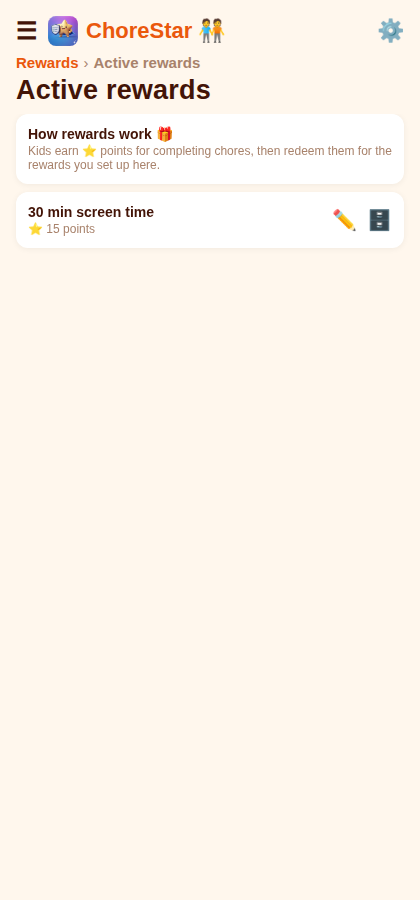 Reward shop
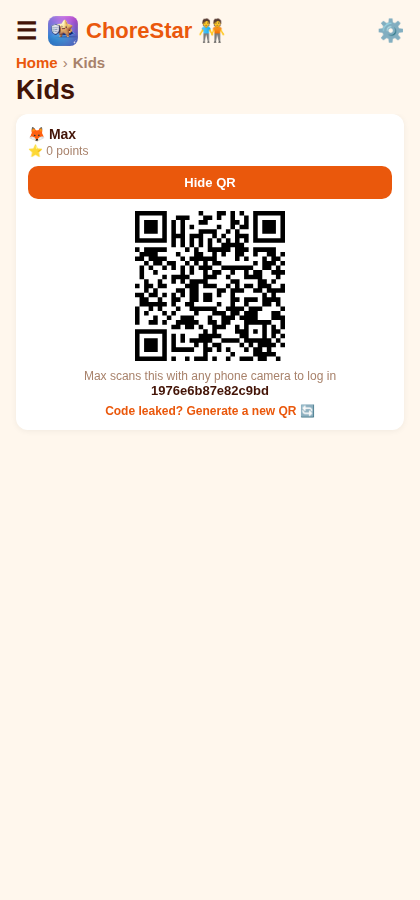 Kid QR login
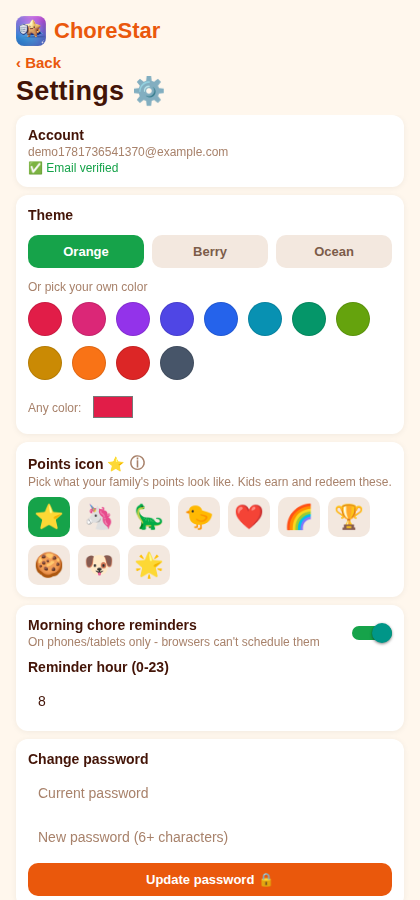 Themes & settings
Yes. The free version includes chores, points, rewards, QR kid logins, approvals and history, and is supported by kid-safe ads. There's also ChoreStar Premium — a one-time purchase, not a subscription — which removes ads and lifts the free limits for everyone in the family, forever. You can buy it from Settings in the Android app; the price is shown in your local currency before you confirm.
The free version covers 2 kids, 8 chores and 5 rewards in the app. Premium makes all three unlimited. You'll see a prompt in the app when you reach a limit — nothing you've already created is ever removed.
No ads anywhere in the app — for parents and kids — plus unlimited kids, chores and rewards. It's bought once and applies to the whole family, including co-parents. There's no renewal and nothing to cancel.
No. Kids log in by scanning a personal QR code with any phone camera — there are no kid passwords or email addresses to manage.
ChoreStar runs on Android phones and tablets today, and an iPhone and iPad version is available on the App Store too. Kids can also sign in by scanning their QR code with any phone camera, which opens ChoreStar in the browser — handy when a child has no device of their own.
You're always in control. Chores only count once you approve them, and you decide which rewards exist and what they cost.
Yes! The family owner can invite up to two co-parents by email. Co-parents can approve chores, manage rewards, and see the full family dashboard — everyone stays in sync.
Deliberately not very. The free version shows one small banner at the bottom of the dashboard — there are no pop-ups, no full-screen takeovers, and nothing between screens. The only video ad in the app is optional and appears solely if you choose to export your history as a spreadsheet on the free tier. Every ad is capped at a "G" content rating, and Premium removes all of them.
Yes. ChoreStar is built family-first — kids' data isn't sold, and any ads shown are child-safe. Read the full Privacy Policy.
Any time, from inside the app: Settings → Delete my account. We email a confirmation code, and confirming permanently removes your account and all of your family's data — kids, chores, rewards and history included.
Check your spam or junk folder — it often ends up there. The code is valid for 60 minutes, and you can request a fresh one from the same screen.
Set your family up in a few minutes and stop keeping track of who owes what in your head.
Open ChoreStar to see your chores.
Open ChoreStar ChoreStar